Compact, USB-connected
The prototype uses a Raspberry Pi Zero 2 W and native USB HID to interact with a host as a keyboard and mouse.
Meet Ctrl.Automouse: a compact hardware automation platform designed to take on repeatable keyboard and mouse workflows—so people can spend more time on the work that matters.
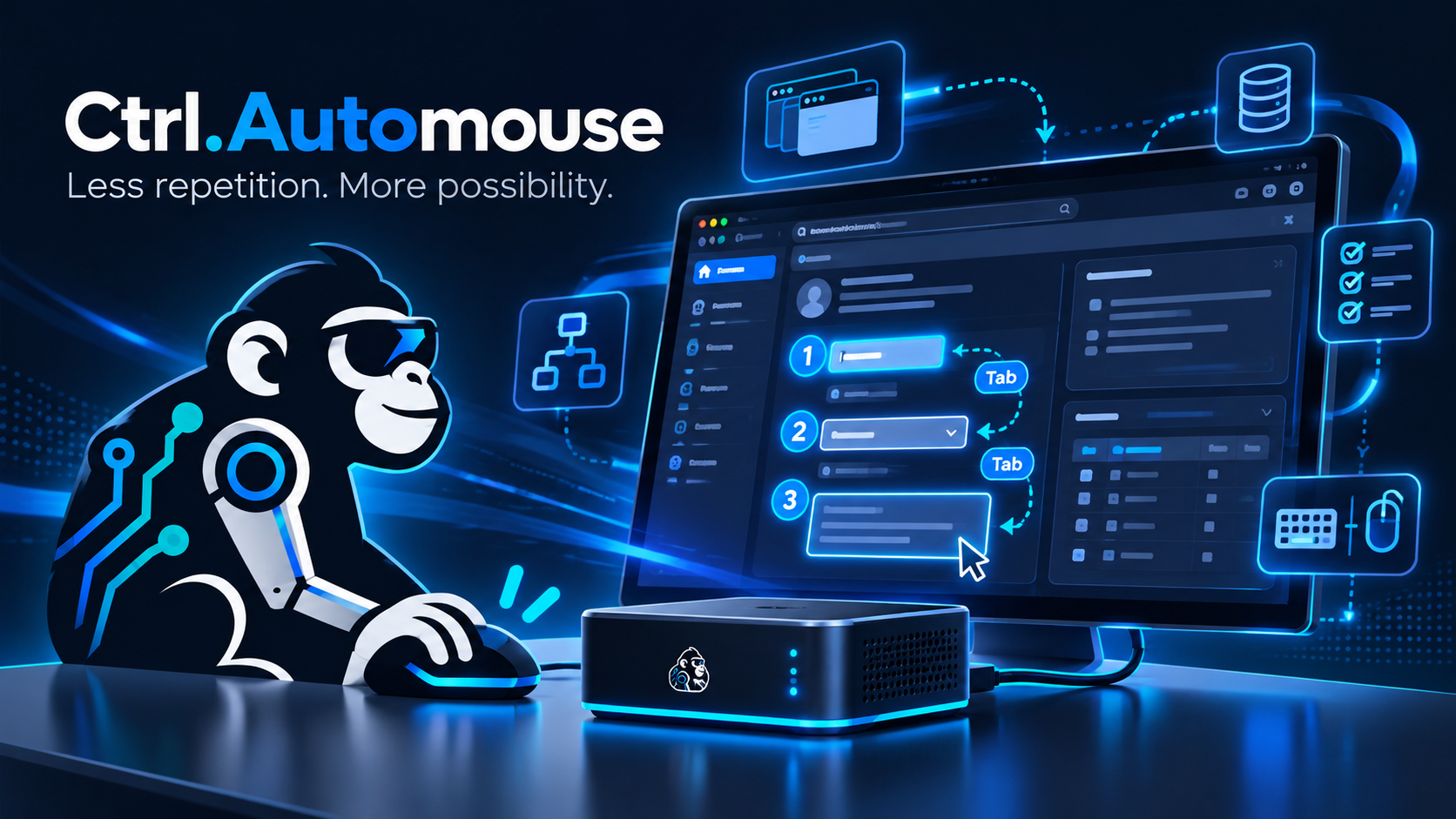
Illustrated concept · Hardware shown is not a production product photo.
Ctrl.Automouse is being developed as a dedicated appliance that sends keyboard and mouse input to a connected computer. The target application doesn't need a traditional desktop automation agent installed for basic HID interaction.
The prototype uses a Raspberry Pi Zero 2 W and native USB HID to interact with a host as a keyboard and mouse.
An HTTPS dashboard provides authenticated access to supervised workflows, checkpoints, and operator controls.
Prototype use cases have included repetitive interface navigation, assisted data entry, and system-recovery command sequences.
A simple animation of focus moving through a fictional customer record. Real workflows can combine keyboard navigation, clipboard operations, and operator verification to reduce repetitive actions.
Illustrative hardware concept. Final enclosure design is in development.
Our direction is simple: make repeatable computer interactions easier to define, inspect, and replay with a human in the loop.
We're developing the foundation for a workflow orchestration experience where users can assemble and record actions rather than hand-code every automation. A guided first-run setup experience is also on the roadmap.
Operator checkpoints, stop controls, and repeatable sequences on a dedicated device.
A visual workflow-building experience using actions like Tab, Enter, type, and scroll.
Make initial configuration more approachable on a future standardized appliance.
Ctrl.Automouse is an independently developed prototype platform. We're working on reliability, ease of setup, and a more intuitive workflow builder. Public product availability and ordering are not yet announced.
Website preview · Not accepting ordersCtrl.Automouse is not affiliated with or endorsed by Salesforce, Gong, Cisco, or any other third-party software vendor. Users must have authorization to automate systems they operate. Hardware compatibility and workflow behavior vary by environment.